WebinarThe AI Is Ready. Your Company Isn’t. What’s the First Thing to Fix?Watch now
Leena AI
Touchpoints

Meet employees on the channel they already use.

Slack, Teams, a phone call from a delivery truck, a kiosk on the plant floor. Every channel connects to the same AI Colleague – same memory, same permissions, in 93 languages.

Messaging

Where work already happens

Native in Microsoft Teams, Slack, Zoom, Google Chat, and WhatsApp. No rollout, no new tab. Employees message Leena the way they message a coworker.

Voice

Talk instead of type

Call Leena from any phone or start a voice chat in the app. It speaks 93 languages, switches when you do, and writes the whole conversation into chat.

Phone & SMS

No app. No Wi-Fi. No problem.

Dial a number or send a text from any phone. Verified by a code, answered in seconds.

Kiosks

On the floor, between shifts

Touchscreen kiosks where frontline teams work. Live today in healthcare and manufacturing.

Email

Forward it. Done.

Reply to Leena like a coworker. It reads the thread and takes it from there.

Your surfaces

Your brand, your domain

Web chat, web app, intranet embed, and a white-labeled mobile app listed in the app stores under your name. Employees see your company, not ours.

Connect your stack

Built for your agents, too

Open standards end to end – API access, MCP for tools and data, A2A for agent-to-agent handoffs. Already on IBM watsonx Orchestrate? Leena’s AI Colleagues plug in as agents.

Voice

Talk to Leena. Literally.

Two ways to use your voice. Call Leena’s phone number from any phone – no app, no internet, no smartphone. Or tap the voice button in the web app, mobile app, desktop app, or Teams and start talking.

  • 93 languages, zero setup

    Start in English, finish in Spanish. Leena follows the speaker mid-call.

  • Interrupt anytime

    Talk over it and it stops to listen, just like a person would.

  • Every call on the record

    A live transcript writes into the chat as you speak. Nothing gets lost.

  • Screens when you have one

    In the app, links and forms appear on screen. On a phone, Leena texts them.

  • Hold it, resume it

    Pause a call and pick it back up. Leena keeps working while you talk.

  • Humans stay in the loop

    Leena asks before it acts, and hands phone calls to a person when needed.

Ten channels. One brain.

Built for the half of your workforce that doesn’t have a desk.

Most enterprise AI never reaches store associates, nurses, drivers, or line workers. Leena does – at a kiosk, by text, or with a call.

0:00 / 0:59
  • Head officeSlack, Teams, web
  • Field teamsWhatsApp, SMS, mobile
  • FrontlineKiosks on the floor
  • Drivers & techniciansA phone call

93 languages.
Zero configuration.

Your people ask in the language they think in, and Leena answers in it.
In chat or on a call, it switches when they do. Nothing to roll out.

How it works

One brain.
Every channel.

Every Touchpoint connects to the same AI Colleague. The same memory, the same context, the same access controls.

  • Shared memory. Leena AI knows the employee whether they ping from Slack at 9 a.m. or call from a service truck at 4 p.m.
  • Add channels without rebuilding. New surface? Plug it in. No re-platforming, no re-training, no migration project.

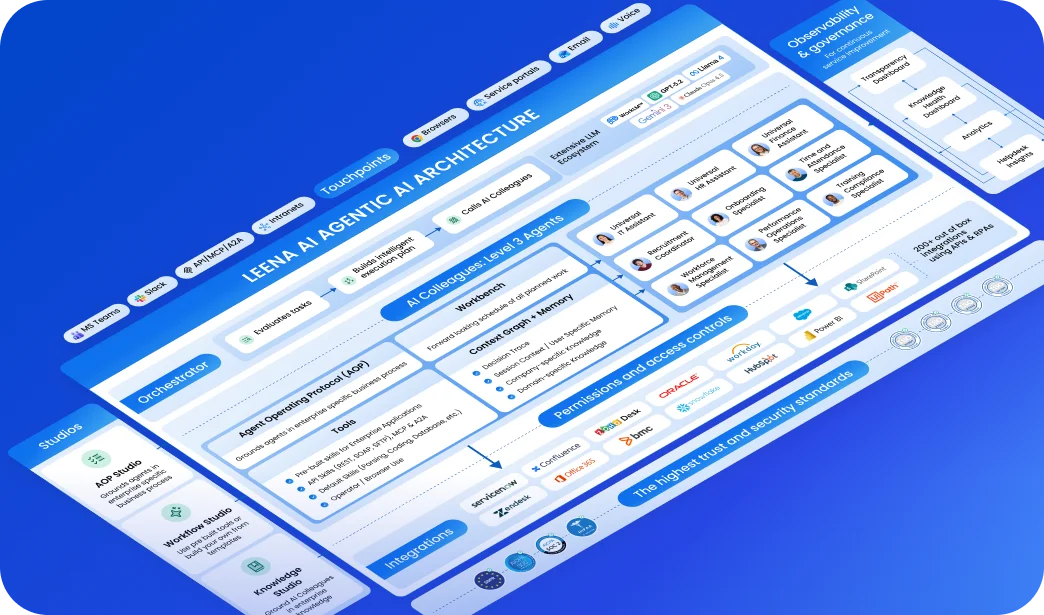
Inside the Agentic AI
architecture.

Eight layers, from the channel a request starts in to the system of record it lands in.

Touchpoints

Your people work in Teams, Slack, email, voice, browsers, portals. AI Colleagues show up there. Not somewhere else.

  • 8+ channels. Zero context switching.
  • Same agent, same memory, every surface
  • Talks back. Reaches out. Doesn’t wait to be asked.
Learn more

Orchestrator

The brain. Reads the request, builds the plan, calls the right AI Colleague, routes between models on the fly. Model-agnostic by design: runs on Claude Opus 4.8, WorkLM™, GPT 5.5, Llama 4 or Gemini 3.5.

  • Plans are built, not pre-coded
  • Breaks complex asks into doable subtasks
  • Hands off cleanly between agents over A2A
Learn more

Leena AI Forge

Build your own AI Colleagues in plain English. Describe the process and Forge builds the Colleague, its AOPs and tools, tests it on realistic cases before go-live, then monitors every run.

  • Kickoff to live in days, not months
  • Business users own and iterate without engineering
  • Explains why a run failed, then fixes it
Learn more

Permissions and Access Controls

AI Colleagues only see and do what their role allows, across every system you connect. Permissions stay tied to your existing tools.

  • Inherits from your IdP. No re-mapping.
  • Every action audit-logged and identity-bound
  • Safe for multi-team, multi-tenant deployments
Learn more

Integrations

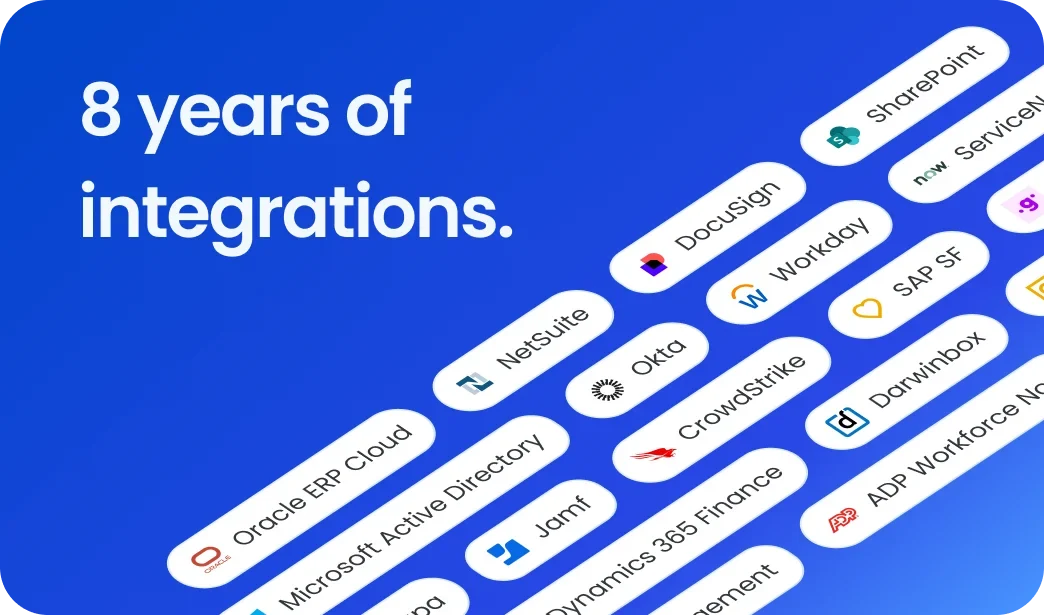
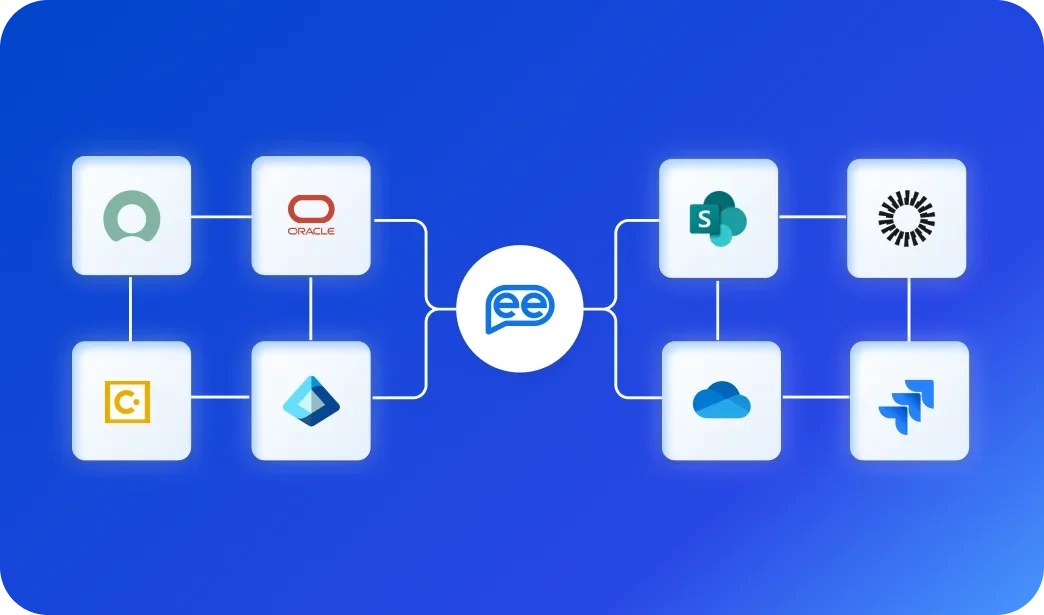
200+ pre-built enterprise connectors across ServiceNow, Workday, SAP, Oracle, Salesforce, UKG, SharePoint, Snowflake and more, via APIs, MCP, A2A and browser/RPA.

  • 200+ live on day one
  • Connect in minutes, no custom code
  • API + RPA + browser fallback. Nothing’s “we can’t integrate.”
Learn more

Observability and Governance

Responsible AI layer, built into every AI Colleague. See every step, govern every action. Dashboards for execs, ops and risk.

  • Full trace: what the agent did, why, what it read
  • Guardrails at every layer, enforced before execution
  • Eval Suite catches regressions. Quality trends up, not sideways.
Learn more

Trust and Security

Agentic AI security built into the architecture, not bolted on. SOC 2, ISO 27001, HIPAA, AES-256-GCM.

  • AES-256 at rest, TLS 1.2+ in transit, AWS KMS-managed keys
  • Shared, single-tenant or private VPC across 14+ regions
  • SSO, MFA and RBAC for staff and customer admins
Learn more

Frequently asked questions.

Architecture, security and deployment, answered. Still curious?

Talk to an architect
What are Leena AI Touchpoints?

The channels and surfaces employees use to work with Leena AI. Every Touchpoint routes to the same AI Colleague, so the experience stays consistent whether someone messages from Slack, calls in from a phone, or types into a kiosk.

Which channels are supported out of the box?

Web chat and web app, white-labeled mobile apps, Microsoft Teams, Slack, Zoom, Google Chat, WhatsApp, email, SMS, voice calls (in-app or by phone), touchscreen kiosks, intranet embeds, and API/MCP/A2A endpoints. Leena’s AI Colleagues can also plug into IBM watsonx Orchestrate as agents.

What languages does Leena AI support?

93 languages, across chat and voice. There’s nothing to configure – Leena follows the language the employee uses and can switch mid-conversation.

Does Leena AI work without internet?

Yes. Employees can dial a phone number from any device and talk to Leena AI over the line. No app, no Wi-Fi, no smartphone required.

Can Leena AI run inside Microsoft Teams, Slack, Zoom, and WhatsApp?

Yes - natively in all four. The AI Colleague, memory, and context are the same across every channel.

How do frontline workers reach Leena AI without laptops?

Through kiosks on the shop floor, phone calls, SMS, and WhatsApp. Pick whichever fits the work environment.

How long does it take to add a new channel?

Channels plug into the existing platform. No re-platforming, no re-training the underlying models - usually a configuration change, not a project.

Can Leena AI ship as our own branded mobile app?

Yes. We white-label the app - your name, your icon, your domain. Your employees see your brand, not ours.

What are MCP and A2A?

Two open standards that let AI agents talk to each other and to external systems. MCP (Model Context Protocol) handles tool and data access. A2A (Agent-to-Agent) handles handoffs between agents. Leena AI supports both, which means it works with the agents and systems you already run - and the ones you’ll add later.

Is Leena AI HIPAA compliant?

Yes. Leena AI meets HIPAA requirements, alongside SOC 2 Type II and ISO 27001.

45 days starts with one call.

See an AI Colleague run a process end to end, live.